Home
Server Sided Visuals
Server Sided Visuals
Official resource by 1Euro Store
Product Description
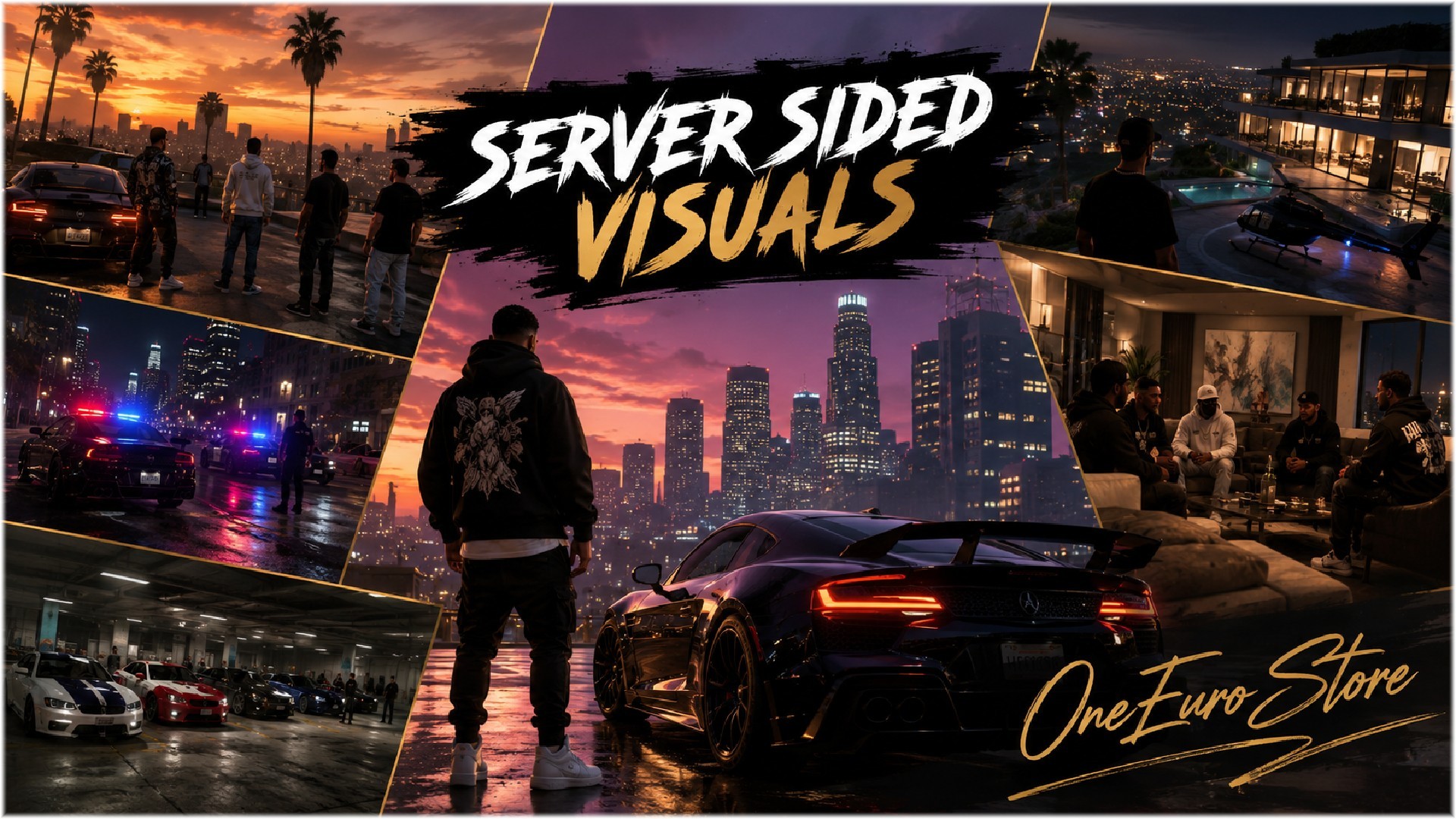
Server Sided Visuals is a premium FiveM visual enhancement resource designed to improve the overall appearance of your server while maintaining smooth and stable performance. This resource works entirely server-side, allowing players to enjoy an enhanced visual experience without requiring additional graphic modifications or complicated client-side installations.
Whether your players use high end systems or low-end PCs, Server Sided Visuals helps create a more immersive environment through optimized visual improvements, improved assets, and better overall world presentation.
Features
Server-Side Visual Enhancements
Enhance the visual quality of your FiveM server with carefully optimized graphical improvements that are applied across the server environment.
Performance Optimized
Designed to provide visual upgrades without negatively impacting server stability or player performance, ensuring a smooth gameplay experience for everyone.
Optimized Asset & Props Replacement
Includes improved and optimized props that help create a more realistic and polished world while maintaining efficiency.
Low-End PC Friendly
Players with older or lower-spec hardware can still enjoy a better visual experience without significant performance loss.
Framework Compatible
Works seamlessly with most popular FiveM frameworks and resources, making integration simple and hassle-free.
Secure & Protected
Fully escrow protected to ensure security, reliability, and protection of the resource files.
Easy Installation
Simple drag-and-drop setup with minimal configuration required.
Benefits
-
Improved overall server appearance
-
More immersive gameplay experience
-
Better world detail and visual consistency
-
Optimized for long-term server performance
-
Suitable for both roleplay and custom servers
-
Professional-quality visual enhancements
-
No complicated setup process
Installation Guide
Step 1: Upload the resource to your server's resources folder.
Step 2: Add the resource to your server.cfg file:
Step 3: Place the ensure command near the bottom of your resource list to ensure proper loading order.
Step 4: Restart your server and enjoy the enhanced visuals.
Disclaimer
Re-Development Studios has officially merged with OneEuro Store. Due to this transition, some files, screenshots, interfaces, or documentation may still contain Re-Development Studios branding.
Please note that this is completely normal and does not affect the functionality, ownership, support, or authenticity of the product. All products are now officially maintained and supported by OneEuro Store.
[Qbcore] [QBox]
{escrow}